How to Get Your Business on Google Maps in 2026 (Step-by-Step)
A complete step-by-step guide to getting your business listed on Google Maps, optimizing your profile for local search, and appearing in the Map Pack for your services.
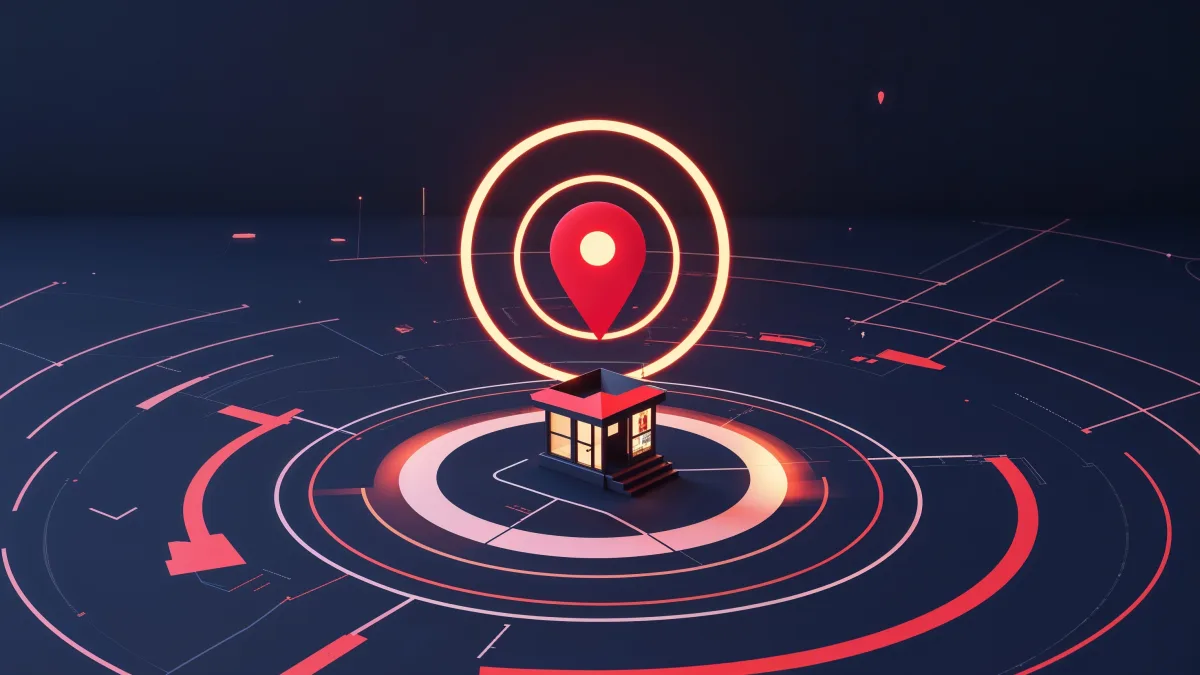
When someone searches "plumber near me" or "coffee shop downtown," Google shows a map with three businesses prominently displayed at the top. That's the Map Pack — and it drives more phone calls and foot traffic than any other search feature.
If your business isn't on Google Maps, you're essentially invisible to local customers. Here's exactly how to fix that.
Why this matters: 46% of all Google searches have local intent. 76% of people who search for a local business visit one within 24 hours. And 28% of those searches result in a purchase. Google Maps is where your next customer is looking.
Step 1: Create Your Google Business Profile
Google Maps listings are powered by Google Business Profile (GBP), formerly known as Google My Business. Here's how to set yours up:
- Go to business.google.com
- Sign in with a Google account (create one for your business if needed)
- Click "Add your business to Google"
- Enter your business name exactly as it appears in real life
- Choose your primary business category (be specific — "Plumber" not "Home Services")
- Add your business address (or service area if you go to customers)
- Enter your phone number and website URL
- Click through to submit
Verification
Google needs to verify you're a real business. Options include:
- Postcard (most common): Google mails a card with a verification code to your address. Takes 5-3 days.
- Phone: Some businesses can verify by phone call or text
- Email: Sometimes available for established businesses
- Video: Google may ask for a video walkthrough of your business
- Live video call: Available in some cases
Don't skip verification. An unverified profile won't show up in search results. If the postcard never arrives, request a new one after 3 days. Don't change your address or business name during the verification process.
Step 2: Optimize Every Field
A verified profile is just the beginning. Here's how to fully optimize it:
Business name
Use your exact legal business name. Don't stuff keywords ("John's Plumbing - Best Plumber in Seattle" will get flagged and suspended).
Categories
Choose your most specific primary category. Then add all relevant secondary categories. A landscaper might use:
- Primary: "Landscaper"
- Secondary: "Lawn Care Service," "Garden Designer," "Irrigation Equipment Supplier"
Description
Write a 750-character description that naturally includes your key services and service area. This is crawlable and influences relevance.
Services
List every service you offer. Google provides category-specific service suggestions — add all that apply, plus custom ones.
Attributes
Mark all applicable attributes: "Women-owned," "Veteran-owned," "Free estimates," "Licensed and insured," etc.
Photos
Upload at minimum:
- Logo
- Cover photo
- 3+ exterior photos
- 3+ interior photos (if applicable)
- 3+ photos of your work
- Team photos
Google says businesses with photos get 42% more direction requests and 35% more click-throughs to websites.
Business hours
Set accurate hours. Update for holidays. Nothing erodes trust faster than a customer showing up when your hours say "Open" but you're closed.
Step 3: Get Reviews
Reviews are the most powerful ranking factor for the Map Pack. Here's the system:
- Create a direct review link (Google it: "Google review link generator")
- After every completed job, send the link via text message within 24 hours
- Keep it simple: "Thanks for choosing us! Would you mind leaving a quick review? [link]"
- Respond to every review — positive and negative
Review velocity matters more than total count. A business getting 4-5 new reviews per month will outrank a business with 200 reviews that stopped getting new ones. Set up a system, not a one-time campaign.
Step 4: Post Regularly
Google Business Profile has a posting feature most businesses ignore. Posts appear on your profile and signal to Google that your business is active.
Post weekly:
- Offers: "10% off first visit this month"
- Updates: "Now serving the Eastside"
- Tips: "3 signs your furnace needs service"
- Events: "Free consultation Saturday"
Posts expire after 7 days, so consistency matters.
Step 5: Build Citations
Citations are mentions of your business name, address, and phone number (NAP) across the web. Google cross-references these to verify your business.
Essential citation sources:
- Yelp
- Better Business Bureau
- Apple Maps
- Bing Places
- Facebook Business Page
- Yellow Pages
- Industry-specific directories (Angi, Thumbtack, Houzz, etc.)
Critical rule: Your NAP must be identical everywhere. "123 Main St" and "123 Main Street" are different to Google. Pick one format and use it everywhere.
Step 6: Optimize Your Website for Local
Your Google Business Profile links to your website. That website needs to support your local SEO efforts:
- Include your city and service keywords in page titles and headings
- Have a dedicated "Service Area" or "Areas We Serve" page
- Embed a Google Map on your contact page
- Include your NAP in the footer of every page
- Add LocalBusiness schema markup
Step 7: Monitor and Maintain
Once your profile is live and optimized:
- Check Google Business Profile Insights weekly for search queries and actions
- Update photos monthly
- Respond to reviews within 24 hours
- Post weekly
- Report and remove fake competitor reviews
- Update hours and services as they change
How Long Until You See Results?
- Profile appearing on Maps: 1-7 days after verification
- Ranking in Map Pack: 1-6 months depending on competition
- Dominant local ranking: 6-12 months of consistent optimization
Local SEO is a compounding asset. Every review, every post, every citation builds on what came before. The businesses that start today will be dominating their local market in six months. The ones that wait will keep paying for ads.
The Bottom Line
Getting your business on Google Maps is free and takes about 30 minutes to set up. Optimizing it to actually rank in the Map Pack takes consistent effort over months. But the return — free, high-intent leads from people actively searching for your services — makes it the single best marketing investment a local business can make.
Start with your Google Business Profile, then make sure your website supports it.
Ready to stop leaving money on the table?
Submit the intake and Arseni will build it. 50% deposit, balance on ship.
Get StartedSuggest a Story
Got a tip, trend, or topic we should cover? We'd love to hear from you.
Submit a SuggestionRecommended Reading